100% Free · No Account Required · No Database

See exactly who
unfollowed you

Take snapshots of any Instagram account's followers and followings. Compare them over time and get a full breakdown — new followers, unfollowers, people who don't follow back, and more.

How it works

1

Install the extension

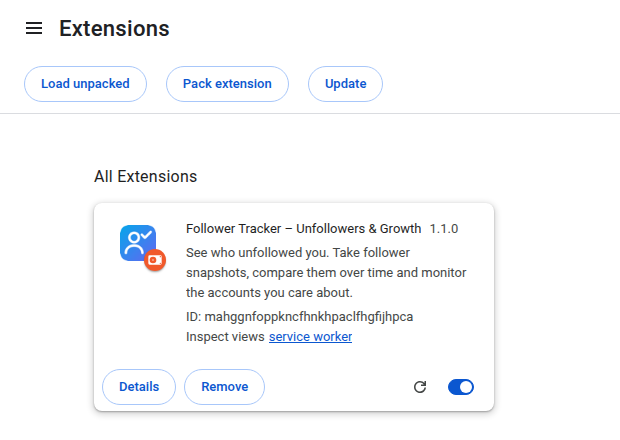
Add IG Tracker to Chrome from the Chrome Web Store. It's free and takes 10 seconds.

2

Capture a snapshot

Click the extension icon, enter any username, and hit "Capture Now". Your session on Instagram is used automatically.

3

Compare over time

Capture again later. The dashboard shows exactly who unfollowed you, who started following, and who doesn't follow back.

What you can track

👻

Unfollowers

Who followed you before but no longer does.

New Followers

Who started following you since your last snapshot.

🔁

Mutuals

Accounts you follow that also follow you back.

👀

Don't Follow Back

Accounts you follow that haven't followed you back.

💾

Backups

Download all your data as JSON. Import it back anytime.

🔒

100% Private

All data stays in your browser. Nothing is sent to any server.

Ready to start tracking?

Install IG Tracker from the Chrome Web Store in one click. Free, private, and no account required.

Chrome Add to Chrome — It's Free

Frequently Asked Questions

Is this safe to use?

IG Tracker uses your existing Instagram session in your browser. It never stores or transmits your credentials. All data is saved locally in your browser.

Does it work for private accounts?

It works for accounts you can already see when you're logged in — your own account, or public accounts. Private accounts you don't follow are not accessible.

How many snapshots can I store?

Up to 20 snapshots per username. You can download backups as JSON at any time and import them later.

Is my data shared with anyone?

No. The extension operates entirely within your browser. There is no server, no database, and no account required.